
1. Open your Matter in Actionstep

2. Hoover your mouse over "More"
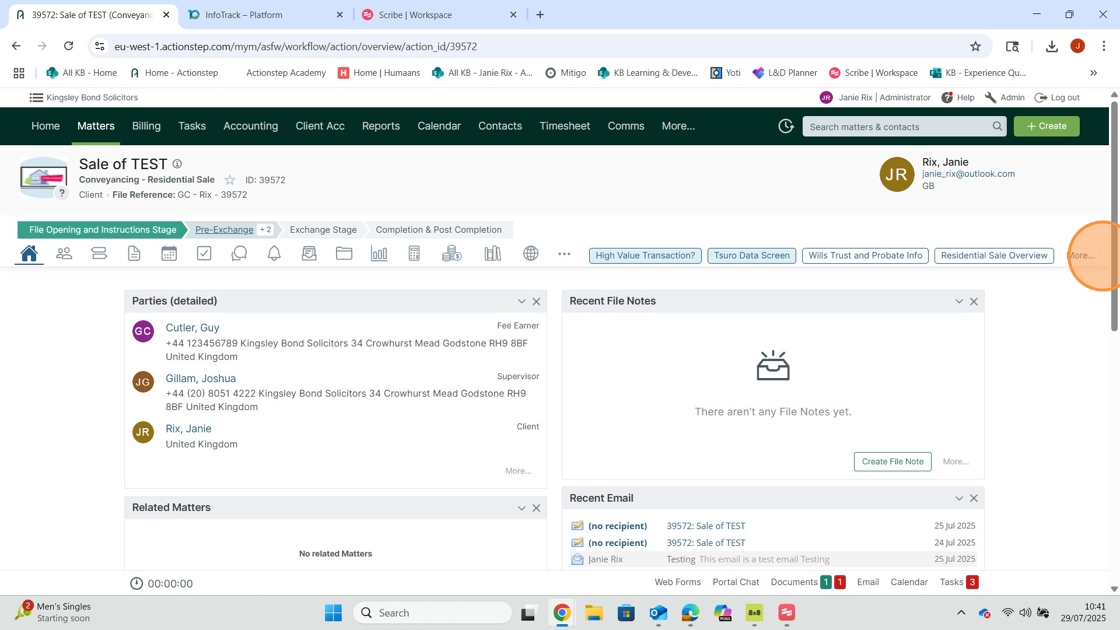
3. Click "Concluding Risk Assessment"

4. Answer each question using the dropdown menus

5. Click "Save"

6. Hover your mouse over "More" again

7. Click "Archiving"

8. Click the "Closed" Checkbox

9. Insert the date
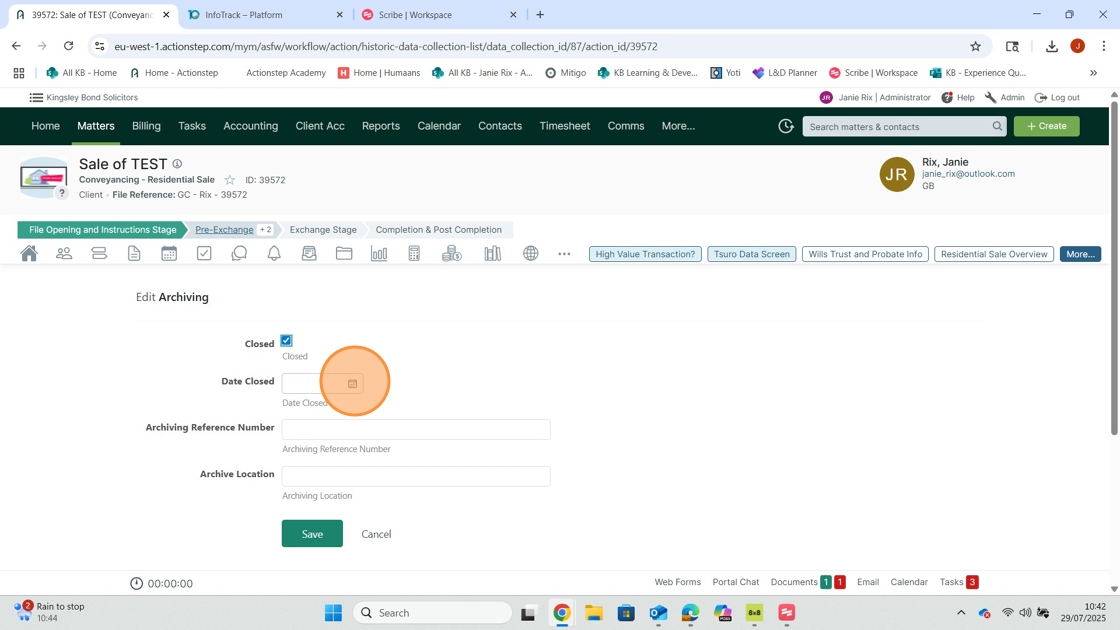
10. Type "No Physical File" in the "Archiving Reference Number" box

11. Click "Save"

12. Click the "Steps" Data Screen

13. Click "File Closing"

14. Click "Change Step"

15. For Sale Files Only - Click the "i"
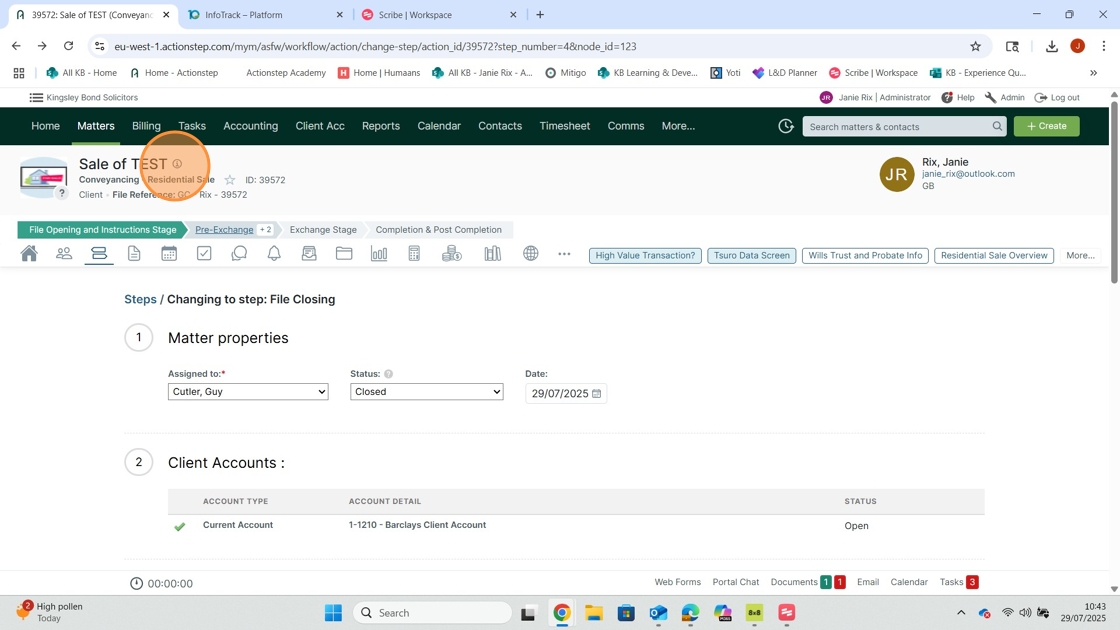
16. Click "Edit"

17. Change the file status to "Closed"

18. Click "Save"

Comments
0 comments
Please sign in to leave a comment.