
1. Open your matter in ActionStep

2. Click the "View" Icon

3. To view the documents by type click "Type"
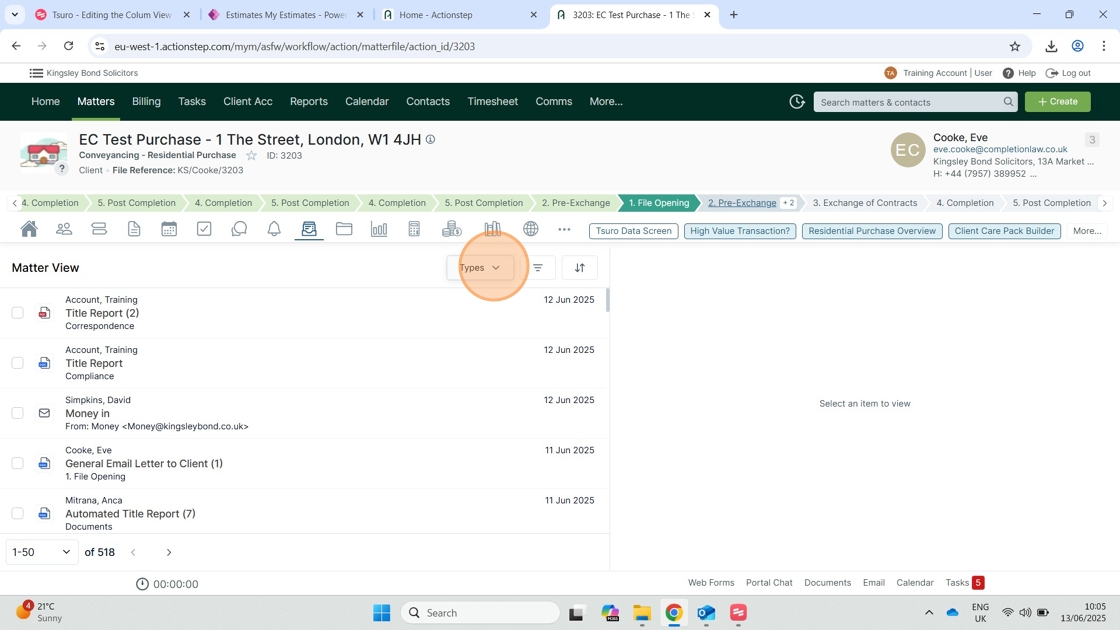
4. Select the document type you would like to filter

5. Select "File Note" to show all file notes on the matter

6. Select "Email" to show all emails on the matter

7. Select "Document" to show all documents on the matter

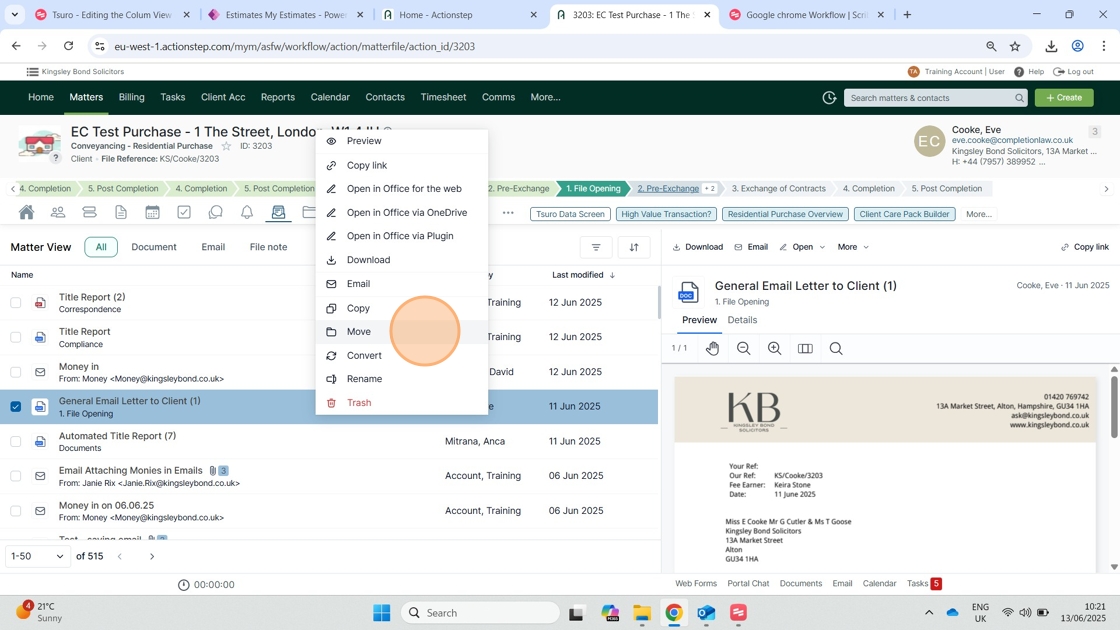
8. To move a document to another matter or folder in your "Documents" right click and select "Move"
9. Search and select the matter you would like to move the document to

10. Click the arrow and select the document folder you would like to move the document to

11. Click "Move"

12. To convert a file from Word to PDF right click and select convert

13. Here is your PDF Document

Comments
0 comments
Please sign in to leave a comment.