
This guide offers a straightforward method for tracking client progress within Tsuro.
1. Click "Estimates" and select the estimate

2. Click "Client Contact"

3. Here you can see the "Current Form Step"

4. Click the arrow

5. Here you will see the "Current Form Step" again

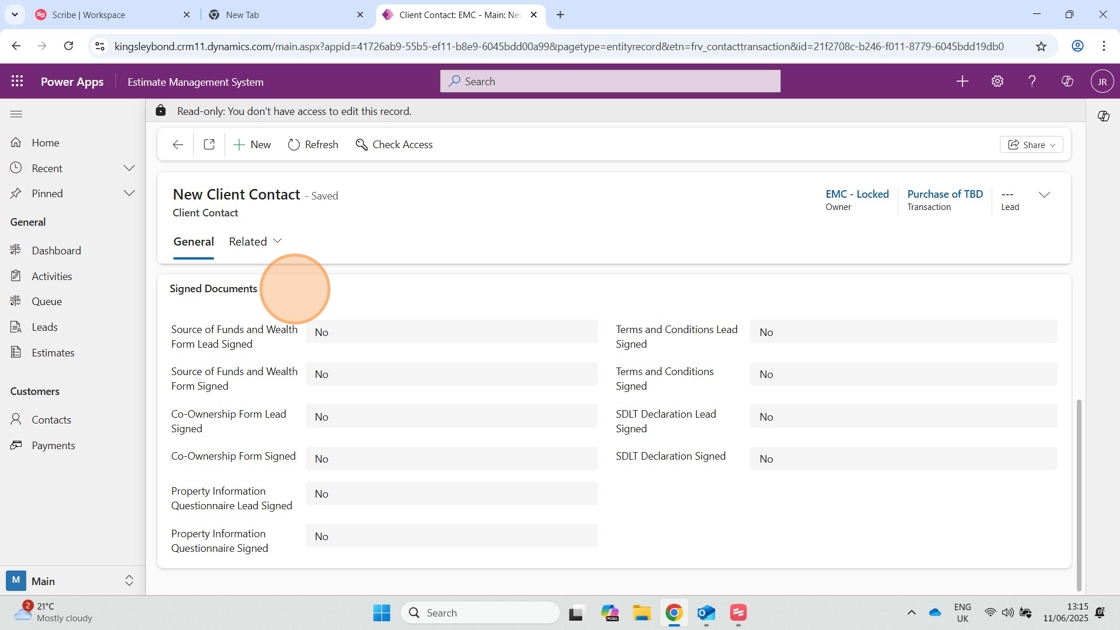
6. You will also see current questions/actions completed by the client
Comments
0 comments
Please sign in to leave a comment.